
Practical MCP setup guide
Install Model Context Protocol servers safely on Claude Desktop, Claude Code, Claude.ai or ChatGPT—with commands, authentication, verification, security checks and troubleshooting.
By Trend Transformers Editorial Team — Published 18 July 2026 — Reviewed against current OpenAI, Claude and MCP documentation.
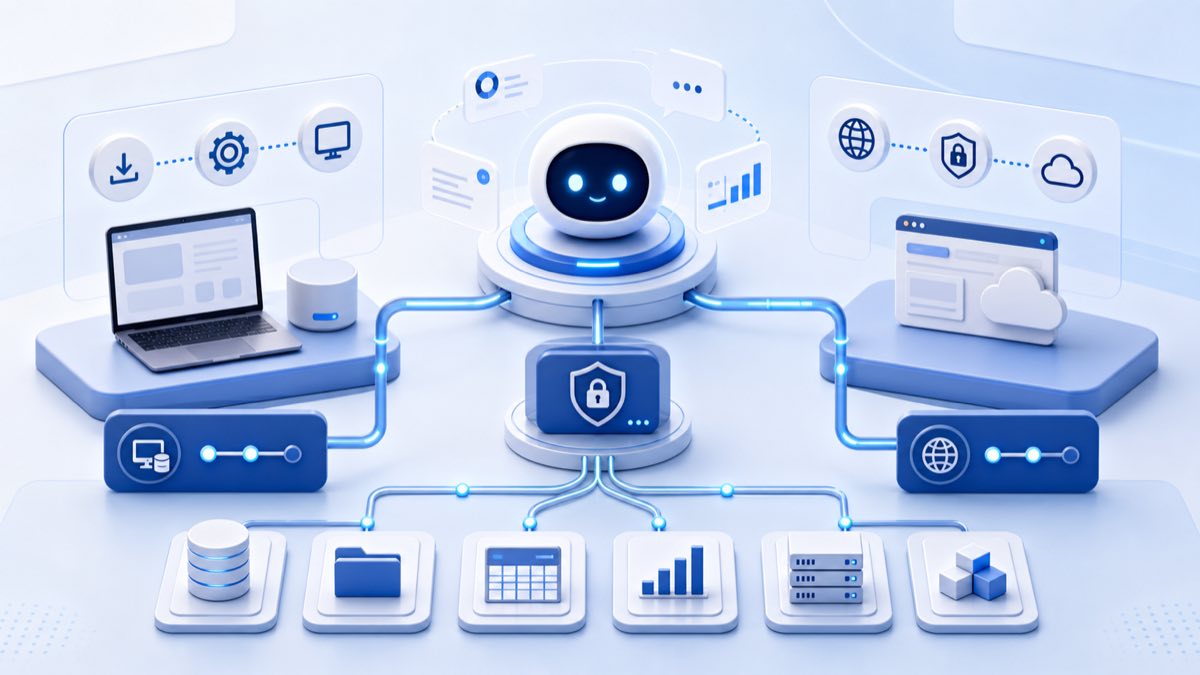
claude mcp add for local stdio or remote HTTP/SSE servers. ChatGPT users enable developer mode and create a custom app pointing to a remote MCP endpoint. ChatGPT cannot directly run a local stdio MCP server.Understand the four parts
MCP is an open standard that lets an AI client discover and call tools exposed by a server.
Choose the right installation route
| Client | Local | Remote | Best route | Limitation |
|---|---|---|---|---|
| Claude Desktop | Yes | Supported connectors | Settings → Extensions or .mcpb | Admin policy may block extensions. |
| Claude Code | stdio | HTTP/SSE | claude mcp add |
Never commit secrets. |
| Claude.ai | No direct process | Plan-dependent | Connector settings | Admin controls vary. |
| ChatGPT web | Not directly | Yes | Developer mode → Apps → Create | Remote endpoint required. |
Vet the server first
- Prefer official or vendor-maintained repositories.
- Check owner, license, releases, dependencies and security issues.
- Review every tool and OAuth scope.
- Start read-only with least-privilege credentials.
- Confirm credential and data storage.
- Pin a reviewed production version.
For real SEO examples, see our guide to Claude SEO with Search Console, Keyword Planner, Screaming Frog and Analytics MCPs.
Install an MCP on Claude Desktop
Extensions directory
- Update Claude Desktop.
- Open Settings → Extensions → Browse extensions.
- Review publisher, tools, permissions and write capabilities.
- Select Install and complete required account/API fields.
- In chat select + → Connectors to verify tools.
Custom extension
- Obtain a trusted
.mcpbpackage. - Open Settings → Extensions → Advanced settings.
- Select Install Extension….
- Configure it, restart if needed and inspect logs.
Manual local configuration
{
  "mcpServers": {
    "example": {
      "command": "npx",
      "args": ["-y", "@publisher/example-mcp"],
      "env": {"EXAMPLE_API_KEY": "set-securely"}
    }
  }
}
Use absolute executable paths if the app cannot find npx, uvx or Python. Fully quit and reopen Claude Desktop after manual edits.
Install an MCP on Claude Code
Local stdio
claude mcp add --transport stdio example -- npx -y @publisher/example-mcpThe double dash separates Claude flags from the server command.
Python/uvx
claude mcp add --transport stdio search-console -- uvx mcp-search-consoleEnvironment variables
claude mcp add --transport stdio example --env EXAMPLE_API_KEY=your_key -- npx -y @publisher/example-mcp.mcp.json should reference environment variables, not contain credentials.Remote HTTP and SSE
claude mcp add --transport http remote-tools   https://mcp.example.com/mcp

claude mcp add --transport sse legacy-stream   https://mcp.example.com/sse
For OAuth remote servers, use /mcp inside Claude Code to authenticate.
Scopes and management
| Scope | Use | Visibility |
|---|---|---|
| local | You/current project | Private project-specific config |
| project | Shared team definition | .mcp.json; users approve it |
| user | Across projects | Private user config |
claude mcp add --transport http --scope project team-tools   https://mcp.example.com/mcp

claude mcp list
claude mcp get team-tools
claude mcp remove team-toolscmd /c: claude mcp add my-server -- cmd /c npx -y @publisher/example-mcp.Install an MCP app in ChatGPT
ChatGPT does not accept a local npx or uvx command. It connects to a remote MCP endpoint through a custom app.
1. Confirm access
Use ChatGPT web. Workspace admins must allow developer mode/custom apps. Business deployment is admin/owner controlled; Enterprise/Edu can use RBAC.
2. Enable developer mode
- Open Settings or Workspace Settings.
- Go to Apps → Advanced Settings, or Permissions & Roles → Connected Data.
- Enable developer mode/Create custom MCP connectors.
3. Prepare the endpoint
Deploy a reviewed HTTP-capable MCP server with authentication. If it only supports stdio, host or adapt it first. OpenAI documents Secure MCP Tunnel for supported products when private infrastructure should not be exposed publicly.
4. Create and test the app
- Open Settings → Apps → Create.
- Enter name, description and remote endpoint.
- Select authentication and complete OAuth/credentials.
- Review discovered read, write, delete, publish and messaging tools.
- Test privately before workspace publication.
- Restrict users/actions, connect it, then invoke with
@or the app menu.
Worked example: Search Console
The community AminForou/mcp-gsc project exposes Search Console analytics, inspection and sitemap tools. Follow its current README for package and credential variables.
Claude Code
- Enable Search Console API in Google Cloud.
- Create OAuth desktop credentials or a service account.
- Grant access to the intended property.
- Add the server with its documented uvx command and environment variable.
- Run
claude mcp list, open/mcp, and test by listing properties.
ChatGPT
A local stdio install is insufficient. Use a reviewed hosted endpoint or deploy remote transport, then register it as a custom app. Never give desktop OAuth secrets to an untrusted host.
Test safely
- “List available tools; do not call them.”
- Run a harmless read-only list.
- Confirm the returned scope.
- Request proposed tool arguments before execution.
- Test writes only on disposable data with confirmation.
- Review logs and revoke unused credentials.
Troubleshooting
| Problem | Cause | Fix |
|---|---|---|
| Server missing | Wrong scope/not reloaded | Restart; run list; inspect settings. |
| Command not found | GUI PATH/runtime | Use absolute paths; test command. |
| Tools fail | API/account/scope | Test upstream API; inspect logs. |
| OAuth fails | Stale token/callback | Clear auth; retry via /mcp. |
| ChatGPT rejects it | Local stdio supplied | Deploy HTTP or supported tunnel. |
| Extension blocked | Organisation policy | Request admin allowlisting. |
| New unexpected tools | Server update | Disable, review, refresh controls. |
Production checklist
- Use read-only first.
- Separate development/production credentials.
- Restrict scopes, roles, sites and directories.
- Keep deletes, publishing, payments and messages behind approval.
- Assess prompt injection when reading email, documents or web pages.
- Log calls and maintain rollback paths.
- Remove unused servers and revoke tokens.
See how AI agents can manage WordPress through controlled tools, explore the AI marketing automation stack, or review our SEO and GEO service.
Frequently asked questions
Can one MCP work on Claude and ChatGPT?
Yes if it offers compatible transports. Claude Code supports local or remote servers; ChatGPT needs remote.
Can ChatGPT connect directly to local MCP?
No. It uses remote MCP servers; a supported tunnel can bridge private infrastructure.
Do I need Node or Python?
It depends on the server. Extensions may bundle requirements; manual servers may need Node, Python, uvx, Docker or a binary.
Where should API keys live?
Secure client fields, OS credential storage or environment variables—not shared configuration.
Why Claude Code but not ChatGPT?
Usually transport: stdio works in Claude Code, while ChatGPT requires remote HTTP.
Should I use third-party MCPs?
Only after reviewing code, maintainer, dependencies, scopes, credentials and release history.
Official sources and implementations
- MCP introduction
- Claude Desktop extensions
- Claude Code MCP
- OpenAI developer mode and MCP apps
- Apps in ChatGPT
- OpenAI Apps SDK
- Google Ads MCP
- Google Analytics MCP
- Screaming Frog MCP
Need help choosing a secure MCP stack?
Trend Transformers connects SEO, analytics, websites and marketing tools with clear permissions and verification.