
Performance measurement and conversion
A fast homepage can hide a slow route to the page where a visitor actually enquires, books or buys. Newer browser measurement support makes that blind spot easier to investigate—but only if a website team stops treating the first load as the whole visit.
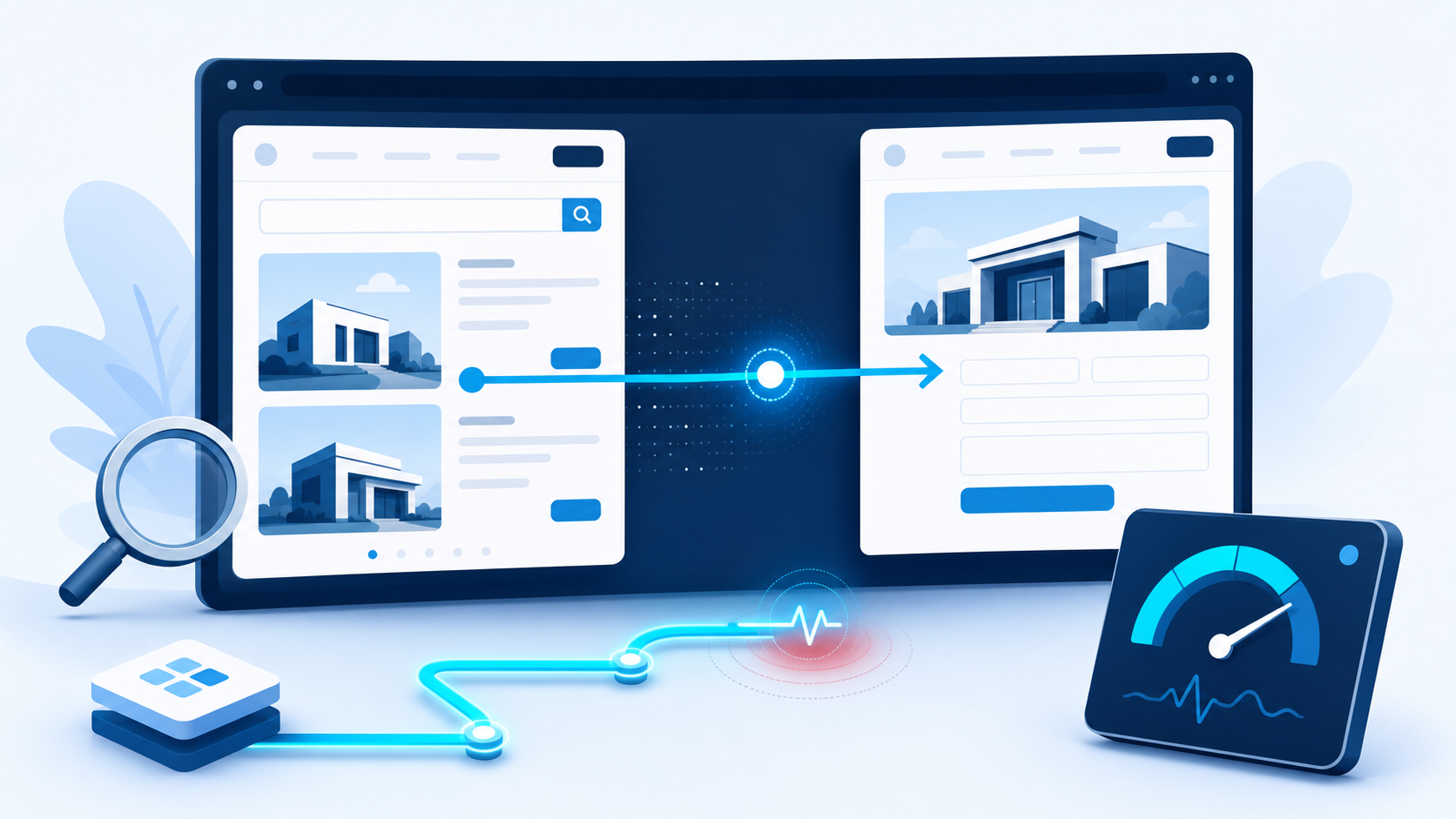
Quick answer: if your site behaves like an app—changing a service, price, booking or contact view without a full page reload—measure the change between routes as well as the first page load. A healthy landing-page score does not prove that the next decision step feels quick. Start by testing the route from your highest-value entry page to its primary action; fix a repeatable delay there before chasing broad performance scores.
The performance problem that begins after the landing page
Many performance reports begin when a document loads. That is useful, but it is not always the visit a customer experiences. A visitor may arrive on a fast campaign or service page, filter a portfolio, open pricing, choose a booking option or reveal a contact form. On a single-page application (SPA), those transitions can swap substantial content while the browser still considers the original document open.
A familiar lead-path failure
Imagine a B2B visitor reaches a fast “website creation” page from search. The page looks good. They tap “see the process”, then “book a call”. Each change fetches data, loads components and shifts the layout. The first page’s Core Web Vitals report can look reassuring while the visitor waits at the exact moment they are deciding whether to continue.
Chrome 151 introduced APIs intended to help measure Core Web Vitals across SPA route transitions, and the web.dev guidance on SPA architectures and Core Web Vitals notes that measurement libraries and real-user monitoring tools are only beginning to use them. That is a useful change in capability, not a reason to buy every dashboard update. The business question is simpler: does the journey to a meaningful action stay responsive?
What a first-load-only view can miss
The reassuring report
“Our homepage loads quickly.” That may be true. It says little about a route that triggers a heavy search filter, a form integration, a personalisation script or a new image component.
The useful investigation
“The transition from service detail to enquiry is slower on mobile after the form widget appears.” That statement names a customer task, a route, a device and a likely next check.
This distinction matters because a customer does not experience a metric in isolation. They experience a sequence: decide, tap, wait, understand, act. A brief interruption before a low-value page may be tolerable. A delay after a visitor has chosen a service, added a product or started an enquiry can cost more than a small change to an aggregate score.
Use a route-pair test before changing the whole site
You do not need to instrument every interaction on day one. Pick one route pair for each commercially important journey. A route pair is simply the visible view a customer starts from and the next view that must feel immediate enough to keep their intent alive.
- Choose the decision path. Start with a route such as service page → contact form, product page → checkout, location page → booking, or portfolio filter → case study.
- Test it as a visitor would. Use a real mobile device and an ordinary connection. Repeat the route after clearing cached assumptions where practical. Watch for blank states, late buttons, layout movement and input delay.
- Compare first load with the route change. If the entry page feels fast but the next view hesitates, record the route separately. Do not let a good homepage result close the investigation.
- Find the work triggered by the transition. Look for late images, third-party widgets, large component bundles, unnecessary data requests, layout shifts or a form that waits for several scripts before it becomes usable.
- Validate the customer action after the fix. Re-test the route and complete the next action. A smaller technical number matters only when the page is easier to use.
A sensible decision rule: fix a route transition first when it sits on a high-value path, the delay is repeatable on a normal mobile visit, and a visitor cannot make progress while it occurs. Leave it in the monitoring queue when the interaction is rarely used, the delay is imperceptible, or the proposed fix risks a more important function.
Three different fixes, depending on what the visitor sees
Content appears late, but the route is clear
Check: images, data calls and component loading. Defer non-essential work, reserve image space and make the next meaningful content available early. Do not hide a primary action until decorative elements finish.
The page moves while a customer is reading or tapping
Check: dynamic modules, consent banners, fonts, images and embedded forms. Reserve space and avoid inserting large blocks above the current focus. A route that shifts a button is a conversion problem before it is a score problem.
The route feels inert after a tap
Check: JavaScript work and third-party scripts. Give immediate feedback, reduce unnecessary client-side work and test whether tracking, chat or personalisation code blocks the interaction a prospect needs.
Do not turn one new API into a performance theatre project
The new measurement support is still maturing across tools, and different visitors, devices and routes will not behave identically. Treat it as a way to ask a better question, not as proof that every SPA needs a rebuild. A conventional site can also have a slow second step, while an SPA can deliver an excellent experience when its routes are carefully designed.
For a practical priority list, connect route checks to the pages that earn enquiries or revenue. A focused SEO audit can identify technical and journey issues affecting important pages; website creation and improvement can simplify a lead path that has outgrown its current structure. If visibility and experience need to move together, see our SEO and GEO optimisation service.
Frequently asked questions
Do Core Web Vitals only measure the first page a visitor loads?
Traditional reporting has often focused on document loads. Newer browser work supports measurement of SPA route transitions too, which is useful when an important customer step happens without a full reload.
Does every website need SPA route-transition measurement?
No. It is most useful where the site changes views without full reloads and those changes sit on a meaningful path such as a form, booking, checkout, product filter or account action.
What should we test first?
Test a high-value route pair on mobile: the service, product or campaign page that attracts intent and the next page or state where a visitor enquires, books or pays.
Will a faster route automatically increase conversion?
No. Performance is one part of the decision. The offer, proof, form, price context and next action also need to be clear. The goal is to remove an avoidable interruption from a valuable journey.
Sources
Make the route to enquiry easier to complete
TrendTransformers can review the pages and interactions that stand between a promising visit and a useful next step.