
CONTENT STRATEGY · SEARCH LANDING PAGES
If a prospect must download your brochure to discover whether you serve their location, what the offer includes or how to request a quote, move those answers onto a web page. Keep the PDF for the job it does well: a portable, shareable record.
By TrendTransformers · 28 September 2026 · An evidence-led format decision, not a new search announcement.
A PDF can be found. That does not make it the right first visit.
Google’s list of indexable file types includes PDF. The reason to create a web page is therefore not that a search engine “cannot read your brochure”. It is that your customer may need a different experience from the one a fixed document provides.
A person comparing suppliers on a phone needs to establish fit and take a next step. A procurement colleague may need to circulate a dated specification internally. These are different tasks. Asking one file to perform both can leave essential answers buried in a layout designed for printing.
The UK Government Digital Service’s accessible publishing guidance, updated in October 2025, favours HTML wherever possible and explains the usability and maintenance difficulties of PDFs. That is a useful publishing principle, not a claim that UK public-sector requirements automatically apply to a Belgian business. A web page still needs accessible structure and testing.
Settle these three questions before rebuilding anything
Can a PDF appear in Google Search?
Yes. Google lists PDF among its indexable file types. That makes a PDF eligible to be indexed; it does not guarantee indexing, rankings or a useful experience after the click.
Should every brochure become a web page?
No. Put the information needed to choose and enquire on the website. Keep a downloadable document when customers need to print, share, archive or work from a fixed version.
Will converting a PDF to HTML improve AI citations?
There is no guaranteed citation uplift from changing format. Make the facts clear, current and accessible, then evaluate whether visitors can complete their task. Do not sell conversion as an AI-ranking shortcut.
One brochure, two deliverables: a worked supplier brief
Illustrative scenario, not a client case study. An office-fit-out supplier has a twelve-page PDF containing service areas, project photographs, delivery stages, indicative package descriptions, detailed material specifications and a dated handover checklist.
The useful change is not to paste twelve pages into one long article. Split the brief according to what the reader must do.
- The web page earns the enquiry
- Put the served locations, project types, scope boundaries and quote process near the top. Show one relevant project example with an honest explanation of what it demonstrates. If prices depend on a site visit, say which factors affect the quote rather than displaying an unexplained “from” figure. Link directly to the enquiry step and state what information the prospect should prepare.
- The PDF supports the internal handover
- Retain the detailed specification and dated checklist as a clearly labelled download. Give the file a descriptive title, version date, language and file size at the download link. The document should identify the supplier and link back to the current service information so that a forwarded copy is not a dead end.
- One owner maintains the shared facts
- Keep the service scope and contact details consistent across both formats. Name the person responsible internally, and review both outputs when the offer changes. If the PDF preserves a historical specification, label that version explicitly rather than quietly presenting it as today’s offer.
This produces a short, useful landing page plus a purposeful download—not two competing copies of the same sales pitch. It also gives your website content architecture a clearer division of responsibilities.
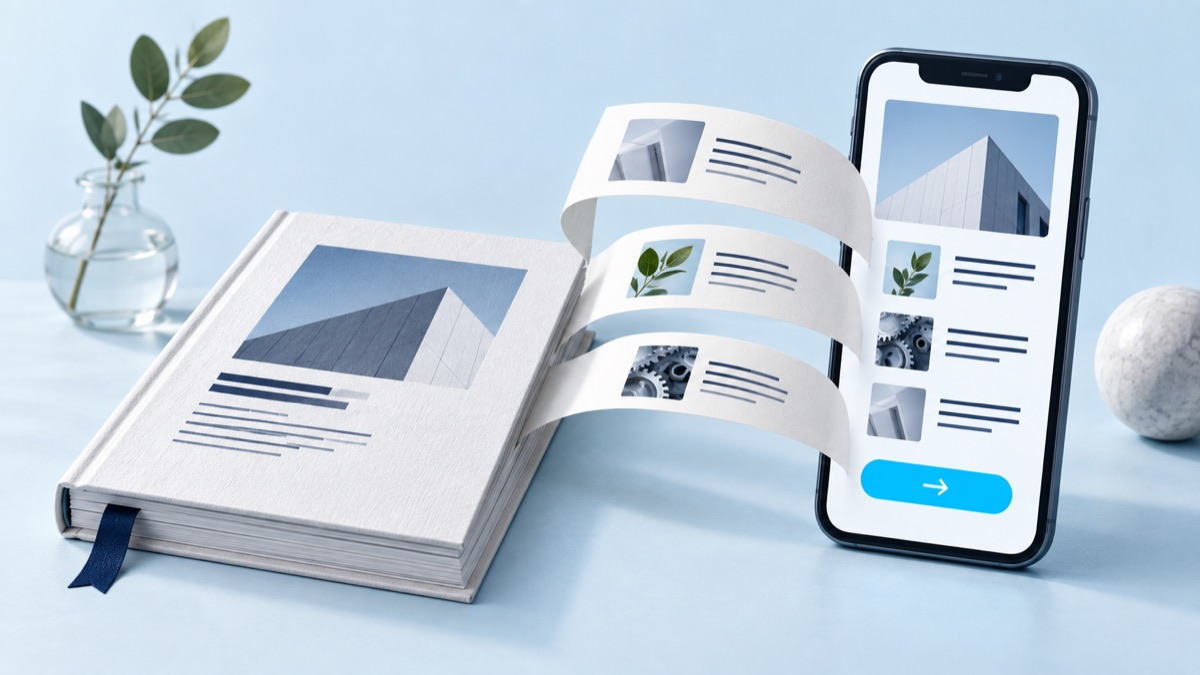
Preserve the link people already have
Before changing a file URL, check where it is linked: service pages, old proposals, emails, partner sites and any search data available to you. A brochure can have useful entry points that your normal page report misses. Do not remove a functioning document just to make the new page look like a clean start.
If the PDF and web page serve different purposes, keep both useful and link between them. If they are genuinely equivalent versions of the same content and you want the web page treated as preferred, Google documents a canonical link in the HTTP response header for non-HTML files in its canonicalisation guidance. A canonical is a signal, not a redirect or a guarantee. Do not point a detailed technical document at a thin sales summary and assume they are interchangeable.
Where a file really is being retired, choose a replacement that still fulfils the original link’s promise and test the old URL. Send a specification request to the specification or a useful equivalent—not automatically to your homepage. Ask for a technical SEO audit if you cannot establish which files are indexed, linked or subject to conflicting instructions.
Try one document before commissioning a full conversion
Choose the PDF most closely tied to a current enquiry. Write down one task before editing: “Can a prospective customer establish fit, understand the next step and contact us without opening the file?” Then ask someone unfamiliar with the offer to try the new page on a phone. Observe where they hesitate; do not coach them through missing information.
Also test the retained download: can it be opened, read and shared, and does its version match what the page promises? For a document used with assistive technology, include appropriate accessibility checks; a successful visual preview alone is not enough.
After release, compare the quality of enquiries and repeated pre-sales questions, as well as traffic and downloads. Fewer downloads may simply mean that the page now answers the question. More page visits do not prove the redesign helped. Record the change date and any simultaneous campaign changes before interpreting the results.
Keep the PDF if it already serves its task and the website answers the buying questions. If essential decisions still sit only in the download, start with that one gap. TrendTransformers can help turn it into a clear page as part of AI-assisted website creation, while preserving useful documents and existing links.